
Shell Configs for Better Command History Search
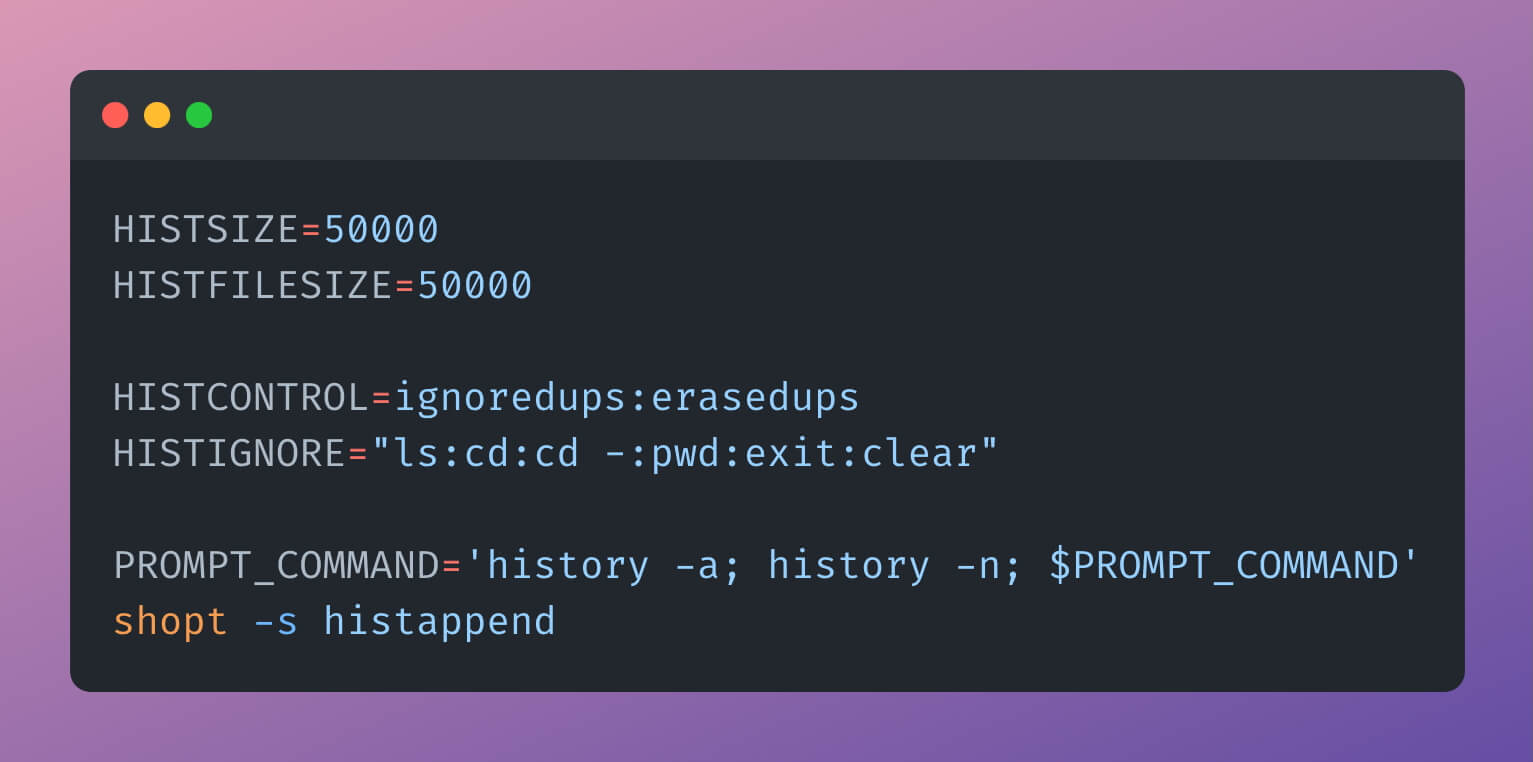
In continuation of my previous post, “How to View Past Terminal Commands: from Simple to Robust”, I want to share shell config settings that help finding commands faster, while also looking for them much more further in the past.
Increase History Limits
First, HISTSIZE and HISTFILESIZE. These settings control how many past commands are stored in session memory and in the history file, respectively. Their defaults are 1000 commands for HISTSIZE and 2000 commands for HISTFILESIZE.
This is way too low for modern computers. If an average command length is 20 characters, then history settings limit us to only 40 KB in RAM and 80 KB on disk. Also there is no real benefit to storing fewer commands in memory: if a history entry exists, you should be able to access it using history command without additional tricks.
Let’s increase the limits:
# bash
HISTSIZE=50000
HISTFILESIZE=50000

# zsh
HISTSIZE=50000
SAVEHIST=50000
Remove Duplicates in Search
Now, let’s compress history entries. When I lookup commands using reverse search (Ctrl+R), I do not want to see duplicates like docker build. Let’s keep only the most recent copy of each command:
# bash
HISTCONTROL=ignoredups:erasedups

# zsh
setopt HIST_IGNORE_ALL_DUPS
Ignore Noise in History
When I use command search using arrow keys, I want to get quicker to useful commands, rather than wasting time and attention to common simple commands, such as ls or cd. Let’s prevent them from being saved at all:
# bash
HISTIGNORE="ls:cd:cd -:pwd:exit:clear"

# zsh
HIST_SKIP_PATTERN='^(cd|ls|pwd|clear|exit)(\s|$)'
Sync History Across Sessions
By default, history is saved only when a session closes. Let’s fix it: the terminal should append new commands and make them accessible in all open sessions immediately:
# bash
PROMPT_COMMAND='history -a; history -n'
shopt -s histappend

# zsh
setopt SHARE_HISTORY
setopt APPEND_HISTORY
setopt INC_APPEND_HISTORY
Final Setup
Now we are good! Below are full settings for both bash and zsh. Do not forget to run source ~/.bashrc or source ~/.zshrc after you make the changes.
# bash
HISTSIZE=50000
HISTFILESIZE=50000

HISTCONTROL=ignoredups:erasedups
HISTIGNORE="ls:cd:cd -:pwd:exit:clear"

PROMPT_COMMAND='history -a; history -n; $PROMPT_COMMAND'
shopt -s histappend# zsh
HISTSIZE=50000
SAVEHIST=50000
setopt HIST_IGNORE_ALL_DUPS
HIST_SKIP_PATTERN='^(cd|ls|pwd|clear|exit)(\s|$)'
setopt APPEND_HISTORY
setopt SHARE_HISTORY
setopt INC_APPEND_HISTORYHappy command searching!
P.S. Want Full Command Logging?
If you want to keep full command history, you are not constrained to inefficient search. You still can apply all the changes above, but additionally configure the shell to store full log in a separate file:
# bash
export LOGFILE=~/.full_bash_history.log
PROMPT_COMMAND='
  history -a
  history -n
  this_command=$(history 1 | sed "s/^[ ]*[0-9]*[ ]*//")
  echo "$(date "+%Y-%m-%d %H:%M:%S")  $this_command" >> "$LOGFILE"
'

# zsh
function preexec() {
  local LOGFILE=~/.full_zsh_history.log
  echo "$(date '+%Y-%m-%d %H:%M:%S')  $1" >> "$LOGFILE"
}