
jq is Wonderful!
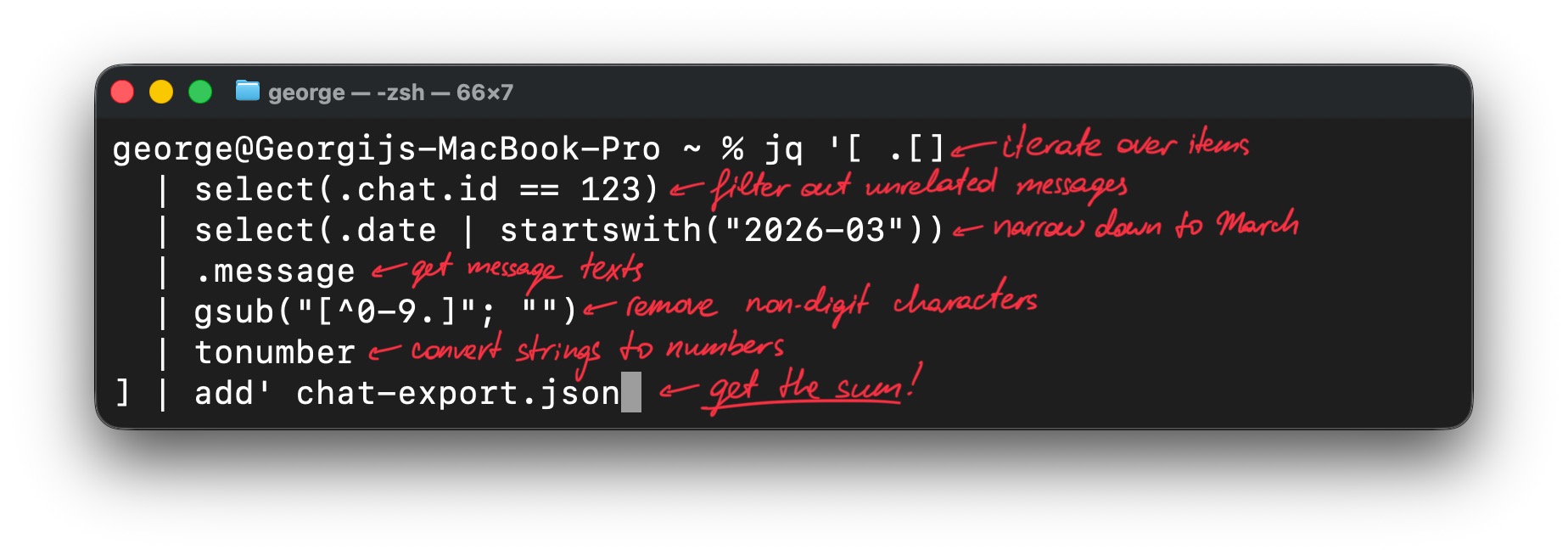
Linux is a brilliant OS — because it has a great set of tools to work with text files! Today I’ve tried to use jq to come up with a little wonder I find worth sharing. Might be it will make your life simpler too.
Suppose you have a chat-export.json with your monthly spendings mixed with other messages like this:
JSON
[
  {
    "id": 139,
    "message": "18 pizza in Pizza World",
    "chat": {
      "id": 123,
    },
    "date": "2026-02-26 10:15:00+00:00"
    // ...30 fields more
  },
  {
    "id": 140,
    "message": "120 bills",
    "chat": {
      "id": 123,
    },
    "date": "2026-03-02 14:30:00+00:00"
  },
  {
    "id": 141,
    "message": "Some message from another chat",
    "chat": {
      "id": 140,
    },
    "date": "2026-03-02 19:20:00+00:00"
  },
  {
    "id": 142,
    "message": "3.5 coffee in Cream",
    "chat": {
      "id": 123,
    },
    "date": "2026-03-08 08:45:00+00:00"
  },
  {
    "id": 143,
    "message": "Another unrelated message",
    "chat": {
      "id": 156,
    },
    "date": "2026-03-11 12:05:00+00:00"
  },
  // ...1000 entries more
]
How can you calculate your spendings in March *fast*? jq to the rescue!
Shell
jq '[ .[]                       # iterate over array items
  | select(.chat.id == 123)     # filter the ones from budget chat
  | select(.date | startswith("2026-03")) # filter the ones from March
  | .message                    # extract message text
  | gsub("[^0-9.]"; "")         # leave only numeric symbols and dots
  | tonumber                    # convert text to numbers
] | add' chat-export.json       # get the sum!
Or as a one-liner:
Shell
jq '[ .[] | select(.chat.id == 123) | select(.date | startswith("2026-03")) | .message | gsub("[^0-9.]"; "") | tonumber ] | add' chat-export.jsonAs short as it can get, clear, easy to use — and no software involved apart from utilities that come with the system. Shiny! ✨